Build your gang sheet right in the browser.
Drop in your designs, size them in inches, let auto-pack fill the 22-inch roll. It costs the same per sheet as uploading your own layout, and it prints the same day.
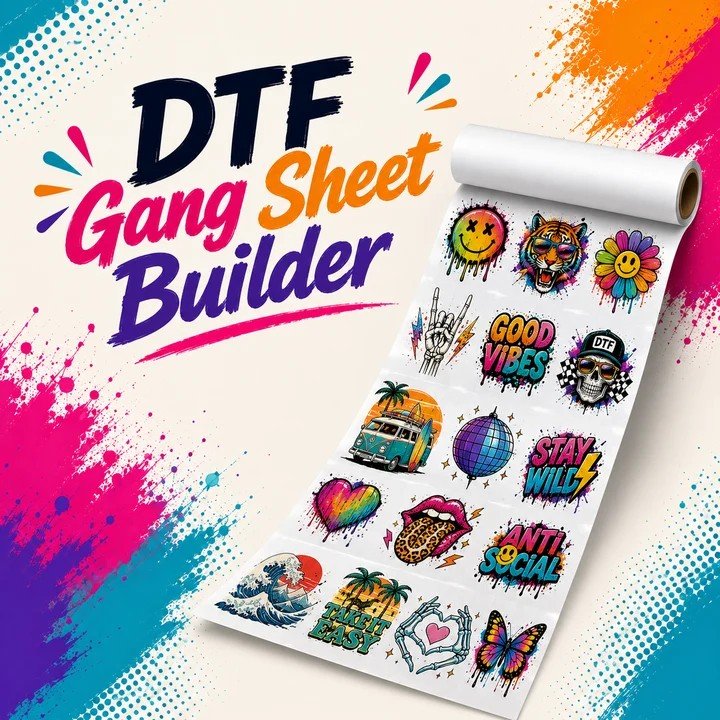
How it works
Four steps from files to a finished sheet.
No software to install and no account needed to start. The layout lives in your browser until you add it to the cart.
Pick a length
Not sure? Start at 22×24. You can change the length after you see how much fits.
Add your designs
PNG, transparent background, 300 DPI. Upload a design once and set how many copies you need.
Size and pack
Type the width in inches and the height follows. Drag pieces into place, or let auto-pack fill the sheet.
Add to cart
The builder makes the print file and attaches it to your order, with a preview before you pay.
Sheet lengths
Pick a length to open the builder.
Every sheet is 22 inches wide. These are the full prices: the builder adds nothing, and Economy shipping is free over $50.
Worth knowing
Small things that make a better sheet.
Rotate to fit
Turning a design 90° often fits one more row. Auto-pack tries it for you.
Keep the gap
The builder leaves a quarter inch between pieces. Tighter saves film but makes cutting harder.
Mix sizes freely
Fronts, backs, sleeves and tags on one sheet is how team orders are done. Same price either way.
Add to cart early
Your layout is built in your browser. Close the tab before adding it and it’s gone, so add it early. You can still edit it.
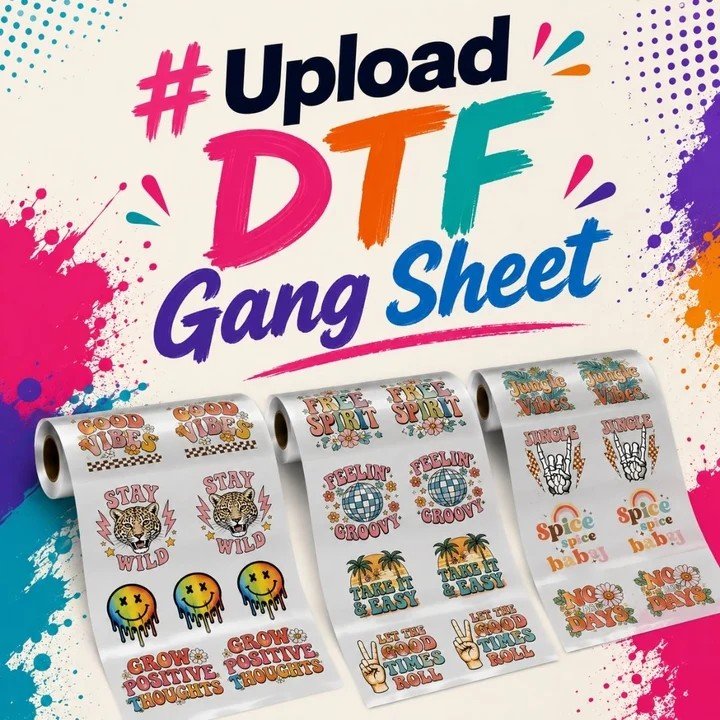
Your sheet can print today.
Build it now and it prints the same day on business days. Stuck on a file? A person answers, usually within the hour during press hours.